Designing a platform for digital-goods sales and operationsDesigning a platform for digital-goods sales and operations
As the sole product designer, I worked from briefs that often named features without defining how they should work. I identified missing requirements, worked through the flows and interface states, and clarified decisions with the client before reviewing implementation.
My scope covered merchant operations, customer-facing sales channels and a separate workspace for platform payments—from catalogue and inventory management to fulfilment, support and access permissions.
Operational overview
The dashboard had to show what changed, not just what happened
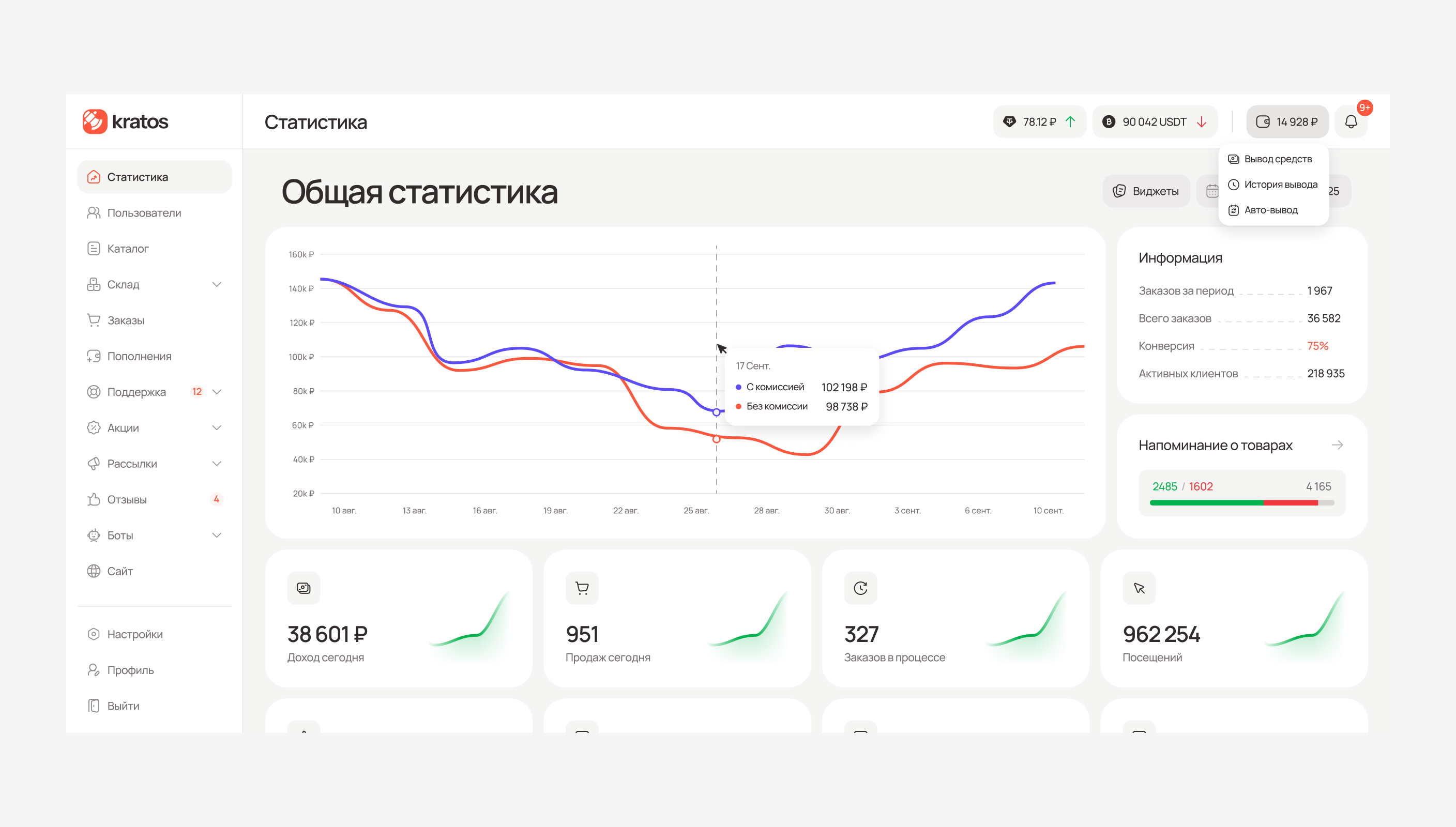
I designed a configurable dashboard for comparing sales and inventory trends. Operators can inspect exact values, reorder or hide widgets, and trace an Item’s contribution through linked charts and lists.
Catalogue model
One catalogue had to connect content with individual keys
My task was to make the relationship between customer-facing offers and individual stock units clear in the interface. I designed separate creation flows for Items and Products, with stock entry linking keys to their Item and responsible operator.
The interface also supports a flat catalogue: Category and Section remain optional, so merchants can add structure when needed.
Sales channels
One catalogue had to work wherever customers buys
Each merchant can configure one website and unlimited Telegram bots around the same catalogue, orders and support. I split website settings into focused tabs, keeping save and reset actions in context without adding a separate publishing workflow.
Responsive tables
When tables lose space, the hierarchy still has to work
Dense tables needed to remain usable as space narrowed. On smaller screens, I kept a compact set of columns for scanning records and moved the complete record into Details, alongside shared rules for copying values, opening linked records and accessing row actions.
Exception handling
When automation stopped, operators still needed context
I designed the manual paths operators need when automatic fulfilment cannot complete. Manual fulfilment and refunds stay in Orders, while replacements stay in Support alongside the customer conversation.
For high-impact actions, I added confirmations that identify the affected record or selection. This keeps the action connected to its context and gives operators a chance to check the target before proceeding.
Platform operations
Payment exceptions in a separate owner workspace
The platform team manages providers, balances and payment exceptions in a separate workspace. I kept the user’s message, transaction details, attachments and current status together so operators could investigate each case without switching context.
Operators can contact the user directly from the payment record before deciding whether to approve or reject the request.
Access and accountability
Granular access and logs built for investigation
Operators have individual permissions across 16 product areas, with different controls for Support and Warehouse. This gives precise access control, but creates more settings to configure.
For logs, I split activity by domain so each view exposes relevant fields and links to affected records. Investigations gain specific context, while activity across domains remains in separate views.
Design system
Shared components across products and themes
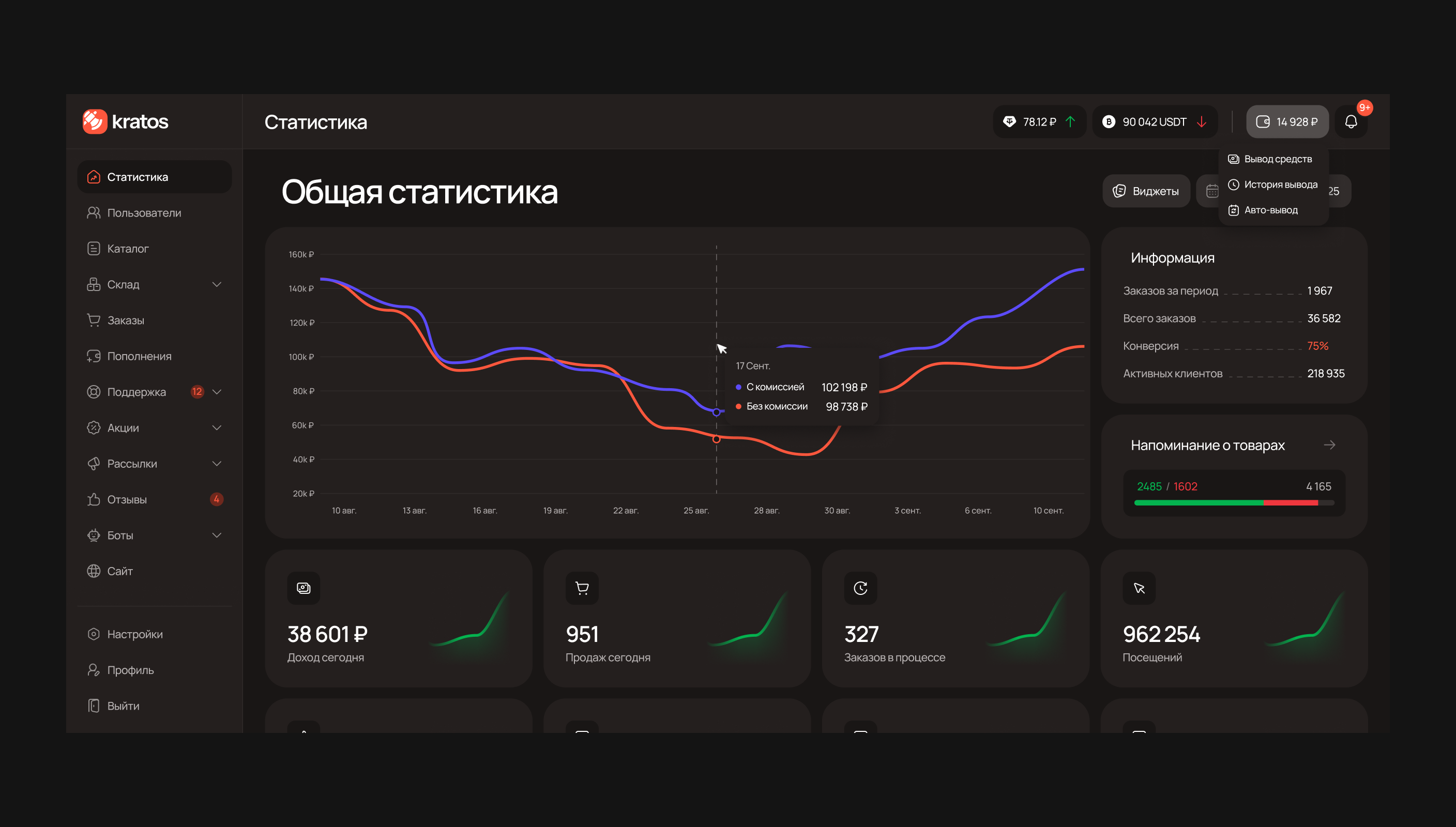
I published a shared Figma library for the Kratos ecosystem. Basic tokens store raw values, semantic tokens express their purpose, and alias tokens connect those decisions to specific component properties and states.
This structure supports shared components across Light and Dark themes and desktop, tablet and mobile layouts.
What I Delivered
My role went beyond designing screens. When briefs left behaviour undefined, I worked out what each feature needed to function, identified gaps, and clarified decisions with the client. I carried that work through detailed flows, a shared Figma design library, and implementation reviews with two engineers.
UnitBank
See Next